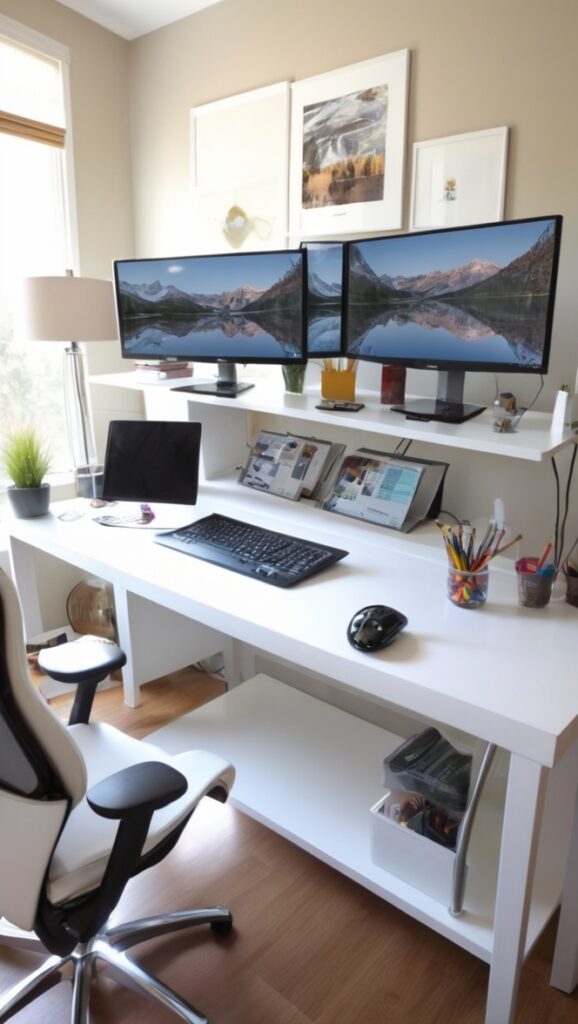
Considering a dual monitor setup for your home office? Discover the benefits of a dual monitor stand and docking station.
Disclosure: This post contains affiliate links. We may earn a commission at no extra cost to you.
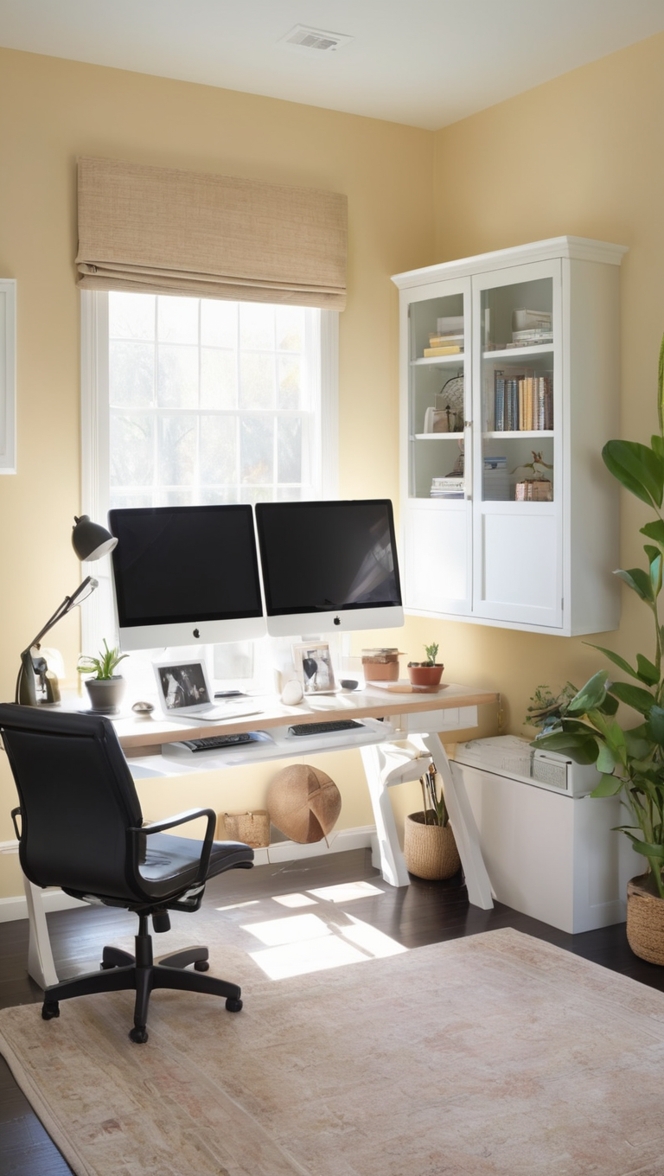
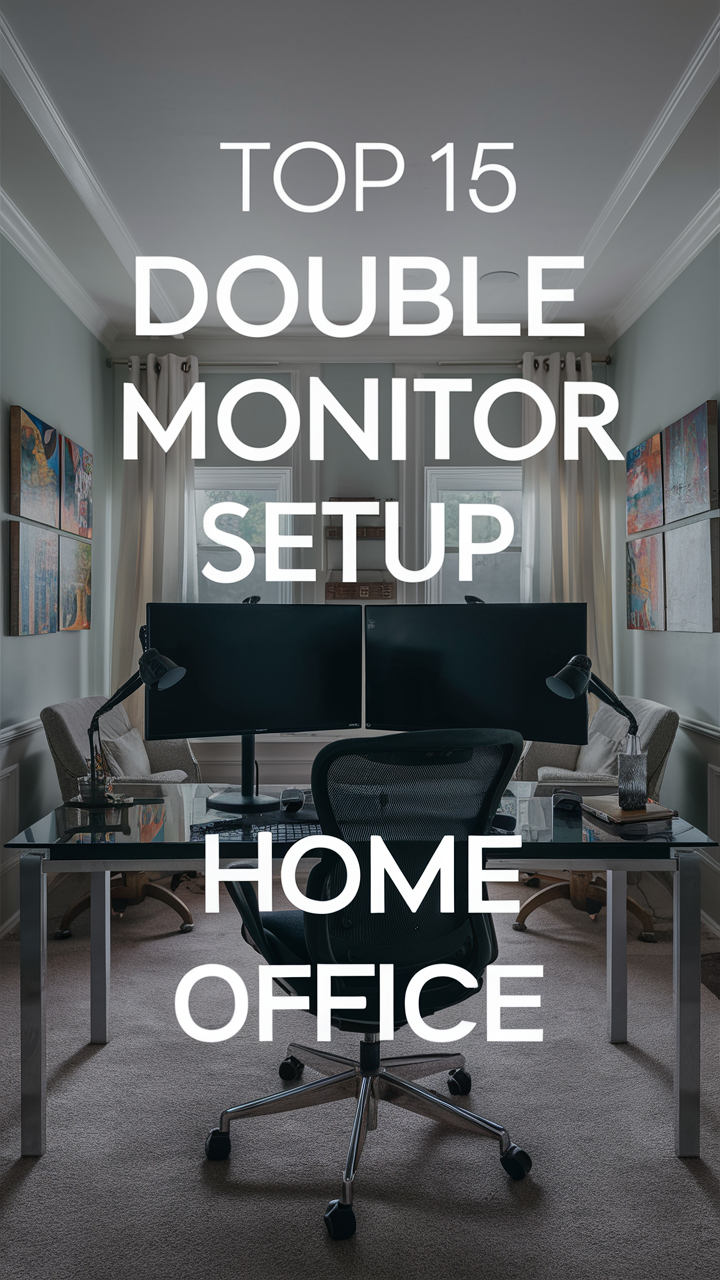
With a double monitor setup in your home office, you can significantly enhance your productivity and multitasking abilities. By having two screens, you can have multiple windows open simultaneously, making it easier to compare documents, write emails while researching, or attend online meetings without constantly switching tabs. It also allows for a more organized work environment and can improve your overall workflow efficiency. To set up a double monitor system, ensure your computer supports dual monitors, purchase an additional monitor, and connect them using the appropriate cables. Additionally, consider investing in a monitor stand to optimize space on your desk.
Should I invest in a double monitor setup for my home office?
1. Is a double monitor setup worth the cost for a home office?
As a homeowner considering investing in a double monitor setup for your home office, you may wonder if the cost is justified. While the initial expense of purchasing two monitors and a compatible stand or mount can be significant, the benefits in terms of productivity and efficiency can outweigh the cost over time.
2. How does a double monitor setup enhance productivity in a home office environment?
Having a double monitor setup allows you to have multiple applications or documents open simultaneously, reducing the need to switch between windows. This can streamline your workflow, increase multitasking capabilities, and ultimately lead to enhanced productivity in your home office.
3. What are the potential drawbacks of using a double monitor setup at home?
While a double monitor setup can offer many advantages, there are also potential drawbacks to consider. These may include increased power consumption, limited desk space, and the need for additional cables and accessories to connect the monitors to your computer.
4. Can a double monitor setup improve multitasking and efficiency while working remotely?
Working remotely often requires juggling multiple tasks and projects at once. A double monitor setup can help you stay organized, prioritize your work, and switch between tasks seamlessly, leading to improved multitasking abilities and overall efficiency.
5. Are there specific tasks or professions that benefit more from a double monitor setup?
Professions that involve data analysis, graphic design, programming, or any work that requires viewing multiple windows or documents simultaneously can greatly benefit from a double monitor setup. Having a larger screen real estate can make these tasks more manageable and efficient.
6. How does a double monitor setup impact ergonomics and eye strain during long work hours?
Proper ergonomics is essential when setting up a double monitor workspace. Positioning the monitors at eye level, maintaining a comfortable viewing distance, and using an adjustable chair and desk can help reduce the risk of eye strain, neck pain, and other ergonomic issues during long work hours.
7. What factors should be considered before investing in a double monitor setup for a home office?
Before investing in a double monitor setup, consider factors such as your work requirements, available desk space, budget, and compatibility with your existing computer setup. It’s also important to research different monitor models, stand options, and ergonomic accessories to create an optimal home office environment.
12 Creative Ideas for Setting Up a Double Monitor System in Your Home Office
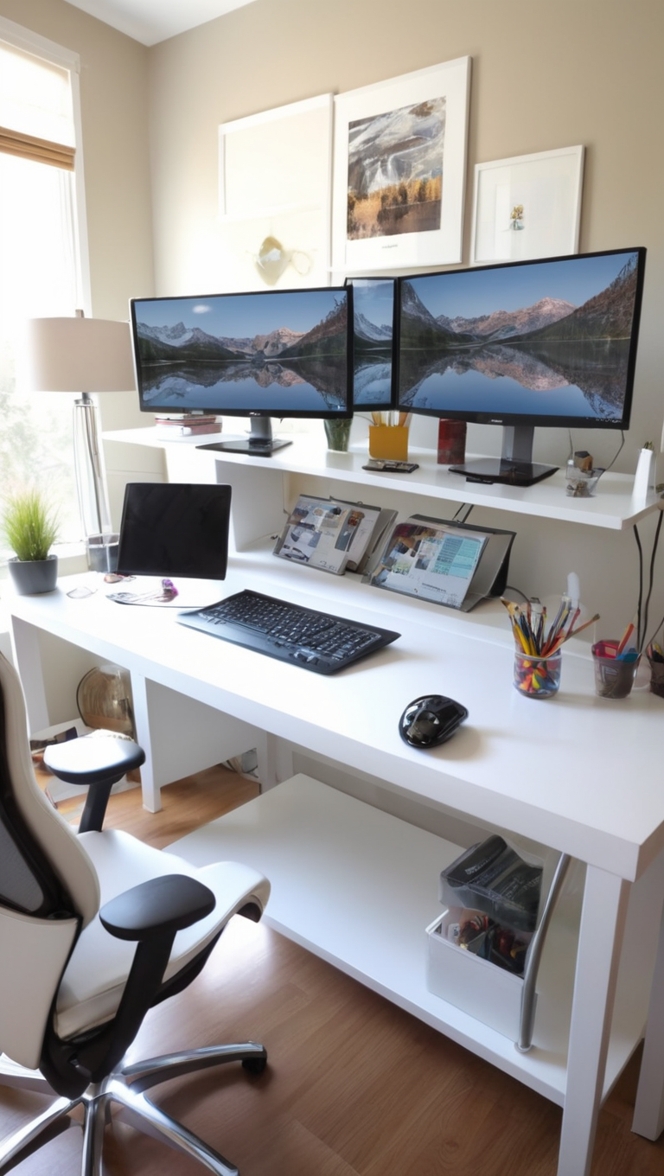
Having a double monitor setup in your home office can revolutionize your productivity and multitasking abilities. Here are 12 unique ideas to make the most of your dual monitor system:
1. Color-Coded Monitors:
Assign specific tasks or categories to each monitor by using different colored backgrounds or wallpapers.
2. Task-Specific Screens:
Dedicate one monitor for work-related tasks and the other for personal use to maintain a clear separation.
3. Vertical Orientation:
Rotate one monitor vertically to view long documents or webpages without constant scrolling.
4. Mood-Boosting Backgrounds:
Choose calming or inspiring wallpapers for your monitors to create a positive work environment.
5. Virtual Whiteboard:
Utilize one monitor as a digital whiteboard for brainstorming or note-taking during meetings.
6. Reference Station:
Keep reference materials, such as guides or manuals, open on one monitor while working on the other.
7. Presentation Mode:
Use one monitor to display slides or visuals during virtual presentations or client meetings.
8. Dual Screen Gaming:
Enjoy immersive gaming experiences by using one monitor for gameplay and the other for live streams or guides.
9. Communication Hub:
Keep messaging apps or email clients open on one monitor for quick access to communication channels.
10. Task Management Tools:
Use one monitor for task management software like Trello or Asana to stay organized and focused.
11. Creative Corner:
Showcase your design work or creative projects on one monitor while working on the other for feedback.
12. Multi-Window Multitasking:
Maximize productivity by having multiple windows open simultaneously for seamless multitasking.
With these innovative ideas, your double monitor setup will not only enhance your productivity but also make your home office a more functional and inspiring space.
Remember to choose real paint colors like Sherwin Williams or Benjamin Moore paints when customizing your workspace to reflect your style and preferences.
Setting up a dual monitor system is easy – ensure your computer supports dual monitors, purchase an additional monitor, and connect them using the appropriate cables. Consider investing in a monitor stand for optimal desk space utilization.