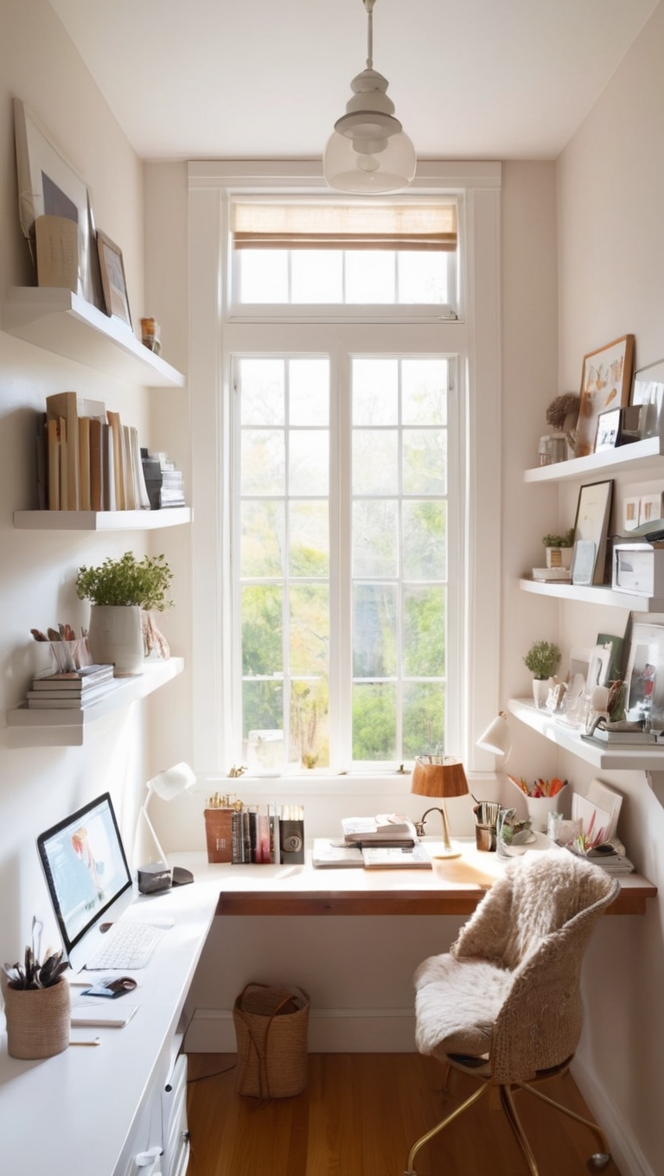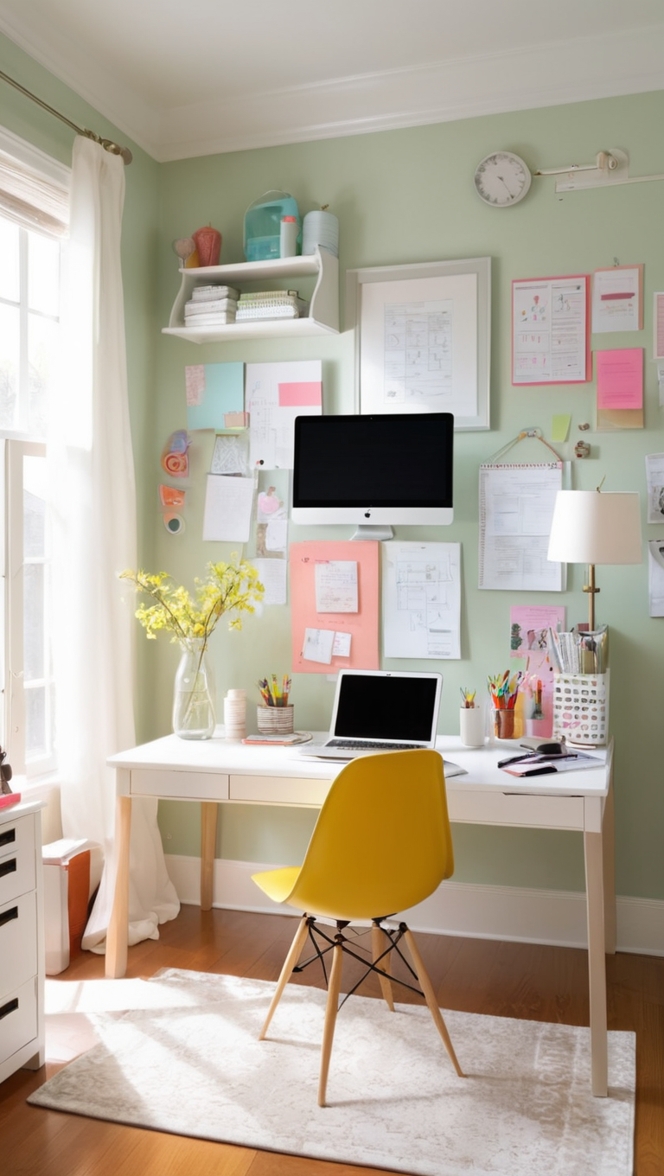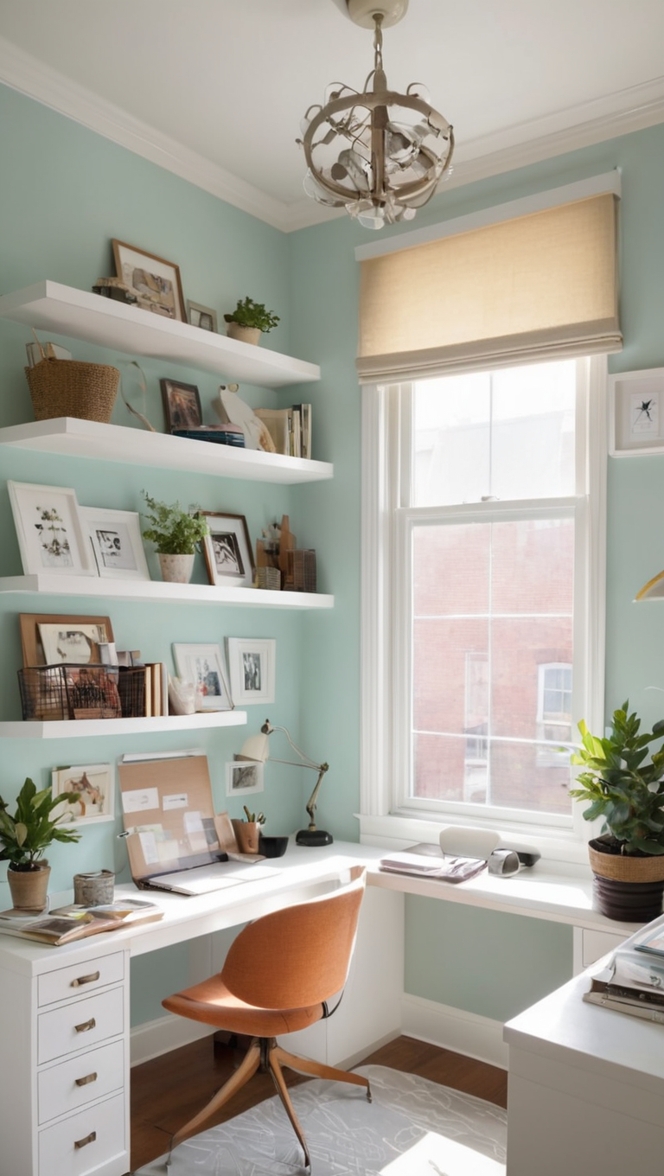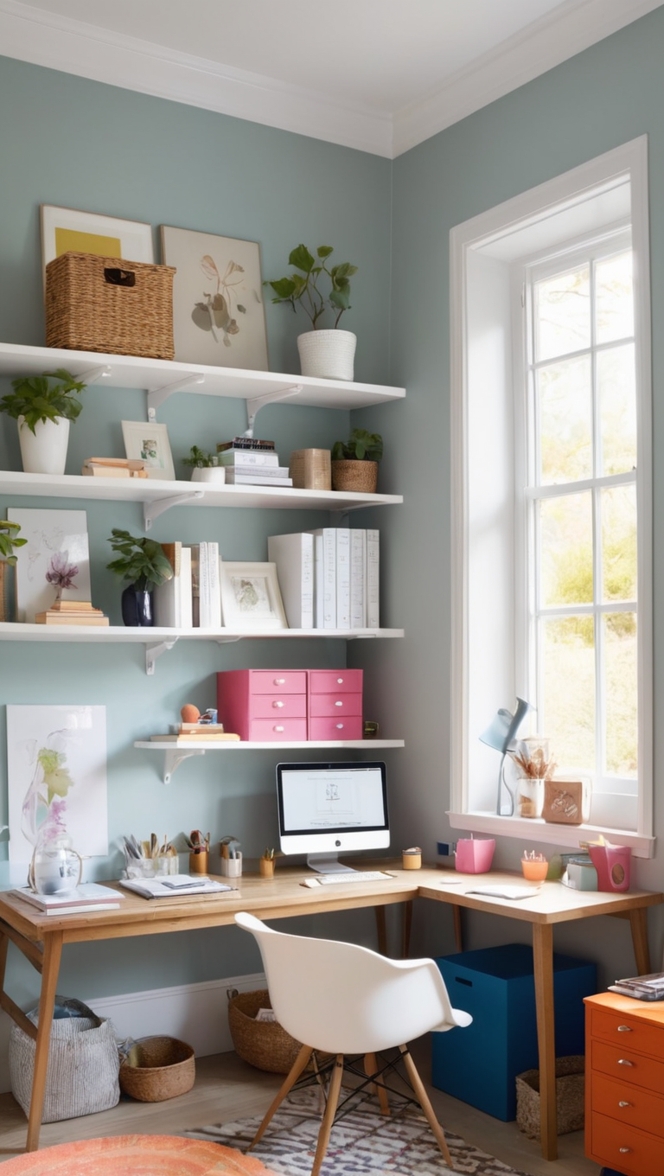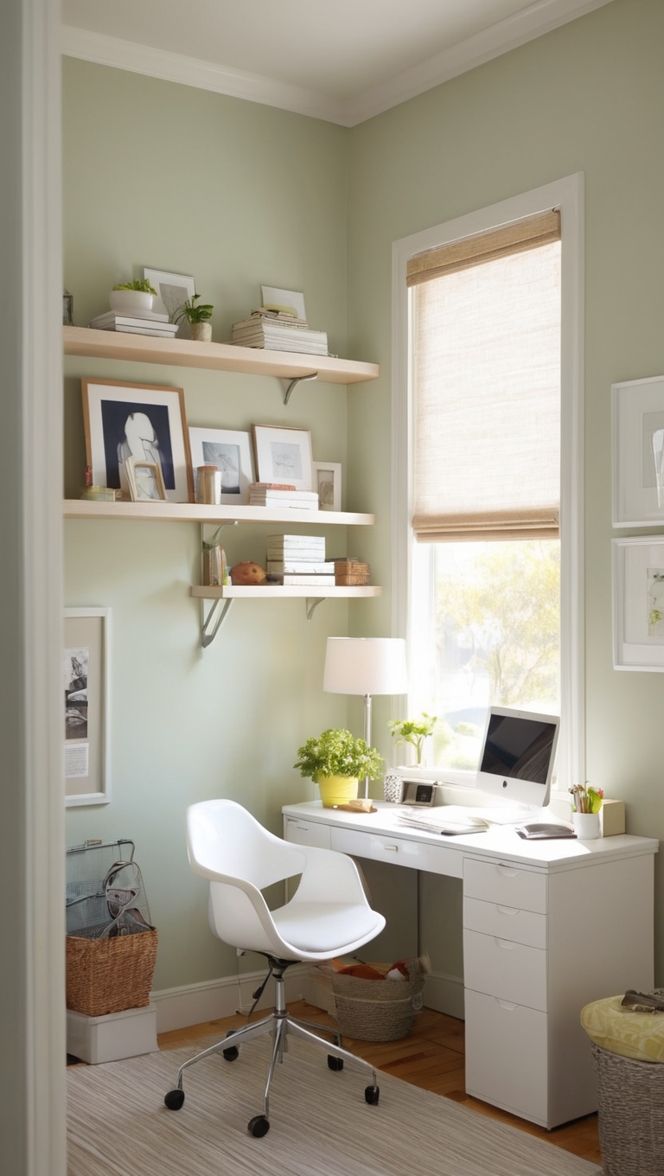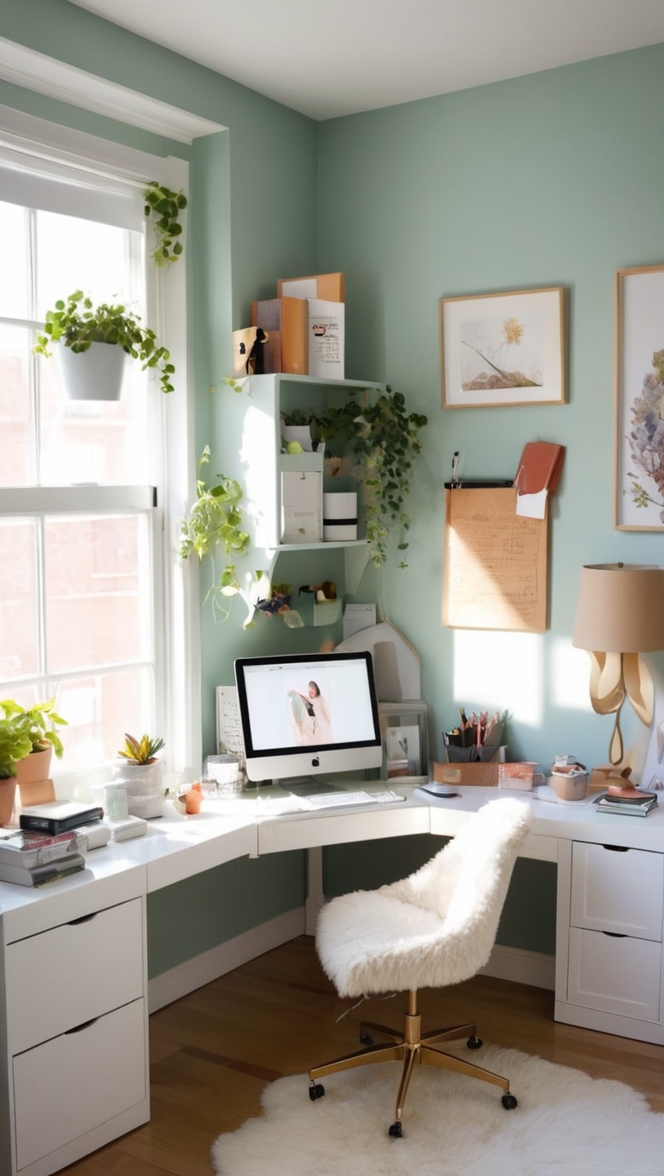

Want to enhance your home office productivity? Explore the benefits of a dual monitor setup for your workstation.
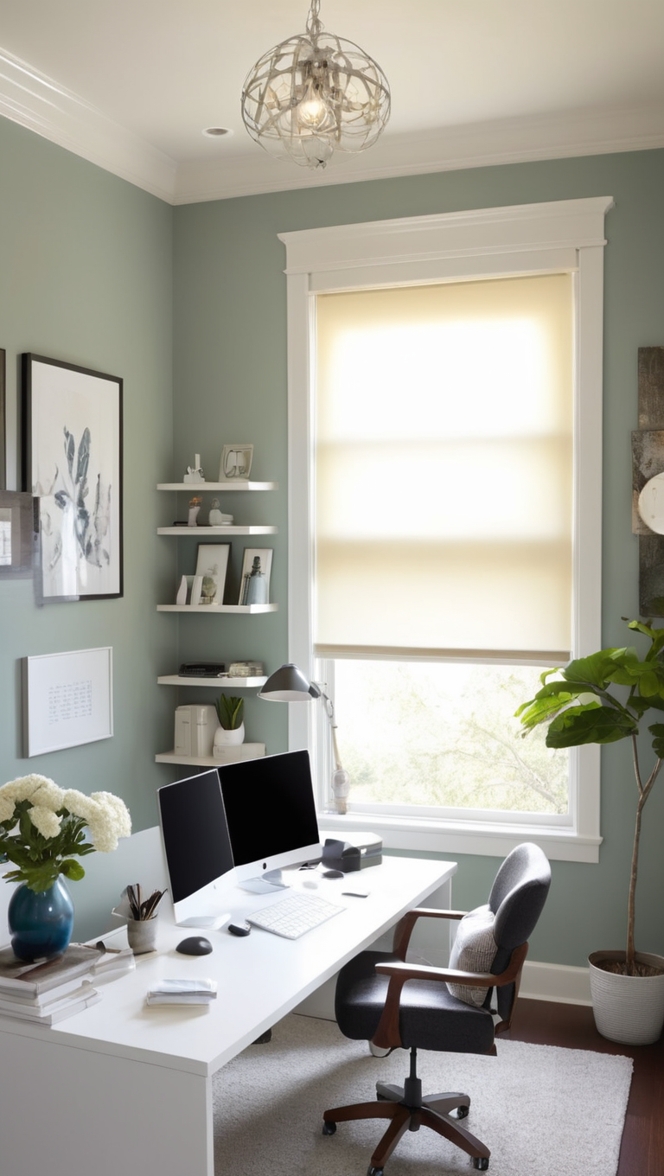
Disclosure: This post contains affiliate links. We may earn a commission at no extra cost to you.
Multiple monitor setup in a home office can greatly enhance productivity and efficiency. By having multiple screens, you can have different applications or tasks open simultaneously, making multitasking easier. Make sure the monitors are positioned at eye level to reduce strain on your neck and eyes. Use a monitor arm to adjust the height and angle of each screen. Consider investing in a monitor with a blue light filter to reduce eye strain. Keep cables organized using cable management solutions to maintain a clean and clutter-free workspace.
How can I optimize my home office with a multiple monitor setup?
1. Why should I consider a multiple monitor setup for my home office?
As a personal homeowner who works from home, I have found that using multiple monitors in my home office setup has greatly improved my productivity and efficiency. Having multiple screens allows me to multitask more effectively and switch between different applications or tasks seamlessly.
2. What are the benefits of using multiple monitors in a home office environment?
Using multiple monitors in a home office setting offers numerous benefits such as increased screen real estate, better organization of workspaces, improved multitasking capabilities, and enhanced productivity. I have personally experienced a significant boost in my workflow and overall performance since incorporating multiple monitors into my setup.
3. How many monitors should I use in my setup for optimal productivity?
The number of monitors you should use in your setup depends on your specific needs and preferences. For most users, two or three monitors are sufficient for optimal productivity. However, some professionals may benefit from using even more screens for their work tasks.
4. What types of tasks or professions benefit the most from a multiple monitor setup?
Professions that involve data analysis, graphic design, video editing, programming, and financial trading can greatly benefit from a multiple monitor setup. These tasks often require working with multiple applications or windows simultaneously, making the use of multiple screens essential for efficiency.
5. How do I set up and configure multiple monitors in my home office?
Setting up and configuring multiple monitors in your home office is relatively straightforward. You will need to connect the monitors to your computer, adjust the display settings, and arrange the screens according to your preference. Most operating systems offer built-in tools for managing multiple monitors.
6. What are some tips for organizing my workspace with multiple monitors?
To optimize your workspace with multiple monitors, consider using monitor stands or mounts to free up desk space, use cable management solutions to keep your setup tidy, and arrange the monitors in a way that minimizes neck strain and maximizes comfort. Additionally, you can use software tools to help manage windows and applications across multiple screens efficiently.
7. Are there any potential drawbacks or challenges associated with using multiple monitors in a home office?
While using multiple monitors can offer numerous benefits, there are some potential drawbacks to consider. These include the cost of purchasing additional monitors, increased power consumption, and potential distractions from having multiple screens. It’s essential to weigh the pros and cons to determine if a multiple monitor setup is right for your home office.
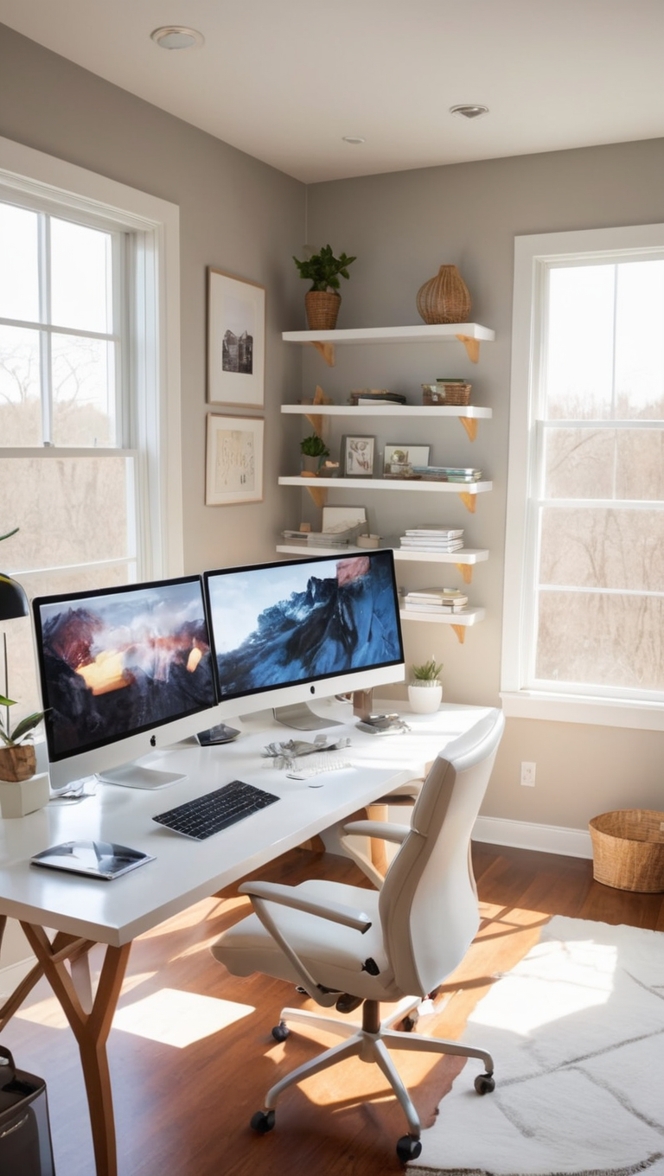
12 Unique Long-Tail Keywords for Enhancing Your Home Office with Multiple Monitor Setup
Enhancing your home office with a multiple monitor setup can greatly boost your productivity and efficiency. Here are 12 unique long-tail keywords to consider when setting up your workspace:
- Custom Paint Colors: Consider using custom paint colors from brands like Sherwin Williams or Benjamin Moore to create a personalized and inspiring workspace.
- Adjustable Monitor Arms: Invest in adjustable monitor arms to easily adjust the height and angle of each screen for optimal viewing comfort.
- Blue Light Filter Monitors: Opt for monitors with built-in blue light filters to reduce eye strain and promote better sleep quality.
- Cable Management Solutions: Keep your workspace organized and clutter-free with effective cable management solutions.
- Ergonomic Chair: Pair your multiple monitor setup with an ergonomic chair to support proper posture and reduce back strain.
- Wireless Keyboard and Mouse: Enhance your setup with wireless peripherals for a cleaner and more convenient workspace.
- Task Lighting: Add task lighting to your home office to reduce eye strain and improve visibility while working on multiple screens.
- Wall-Mounted Monitors: Consider wall-mounting your monitors for a sleek and space-saving setup in your home office.
- Dual Monitor Stands: Opt for dual monitor stands to securely mount your screens side by side for efficient multitasking.
- Standing Desk Converter: Incorporate a standing desk converter to easily switch between sitting and standing while working with multiple monitors.
- Productivity Apps: Utilize productivity apps and software to streamline your workflow and maximize the benefits of a multiple monitor setup.
- Comfortable Flooring: Consider adding a comfortable rug or anti-fatigue mat to your home office to support your feet and reduce strain during long work sessions.